
Your Deploy Said Success. The Old Container Was Still Running.
The deploy "succeeds" and nothing is actually different.
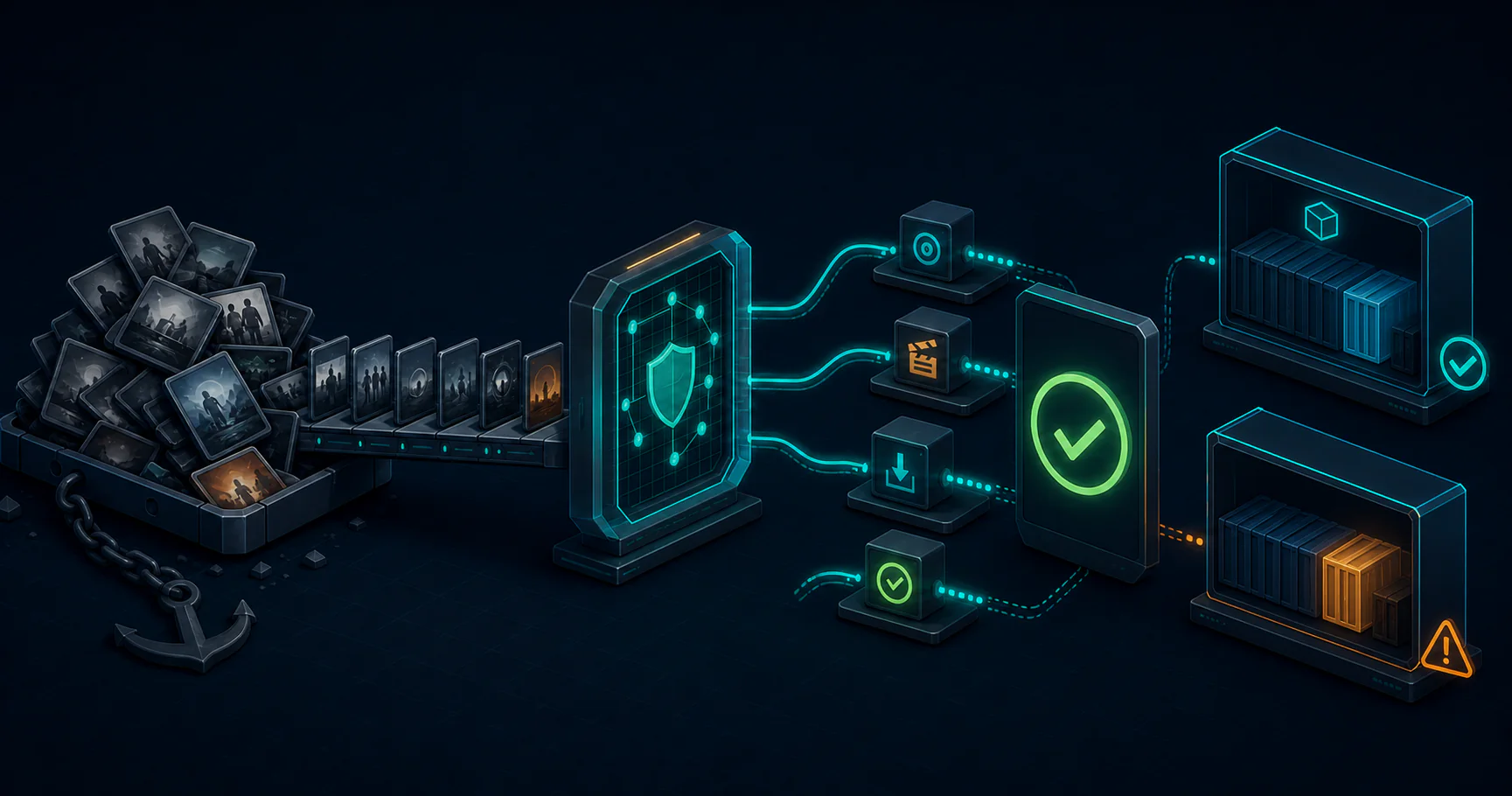
on this page
The deploy “succeeds” and nothing is actually different.
That is the part that burns time. CI is green, the script exits 0, the logs look calm, and the service still serves the old image. You only notice because something downstream feels off, so you end up doing the slowest possible kind of debugging: checking one host, then another, then the registry, then the container digest, then the compose file, then the logs again. By the time you find the mismatch, you have lost half an evening to a deployment that never truly happened.
This is the difference between a shell script and an API. A shell script can ask a host to do something. It is much worse at proving that the thing you wanted is now true.
The Failure That Keeps Repeating
The bad pattern usually looks harmless:
ssh deploy@host "docker pull registry.example.com/myapp:${TAG}"
ssh deploy@host "docker compose -f /opt/myapp/docker-compose.yml up -d"
ssh deploy@host "docker inspect myapp | jq '.[0].State.Status'"
On paper, that seems fine. Pull the image. Restart the service. Check whether the container is running.
In practice, each line is its own little amnesia machine. The second SSH session does not know whether the pull actually brought down the new digest or whether the compose file pointed at an old tag. The third command proves only that something is running, not that it is the thing you just pushed. A container can be “up” and still be the wrong container.
That is why these scripts fail in such irritating ways. They do not fail loudly. They fail by drifting into a half-correct state.
The version that usually wakes you up is one of these:
push image -> CI passes -> host pulls cache hit -> compose restarts -> old image still mountedor:
pull new image -> compose file still references old tag -> container restarts cleanly -> service keeps serving stale codeNothing errors. The machine did what it was told. The problem is that what it was told was too vague.
Why Shell Over SSH Is A Weak Contract
SSH is not the problem by itself. It is perfectly fine as a transport. The problem is using it as both transport and truth source.
If you use SSH for a deploy, you usually get back stdout, stderr, and an exit code. That is enough to know whether the command was syntactically valid. It is not enough to know whether the system ended up in the desired state.
That distinction matters more than people think. There is a big gap between:
docker compose up -dand:
the host is now running image sha256:abc123, the container passed health checks, and the service answer comes from the new revisionThe first is a command. The second is a contract.
When you are deploying through shell commands, every verification step is another shell command with the same blind spots. You ask “is it running?” and get yes. You ask “which image?” and maybe get the wrong one. You ask “is the healthcheck green?” and the script may not even have waited long enough for the healthcheck to become meaningful.
That is why the workflow feels cursed at midnight. It is not that Docker is flaky. It is that the verification model is too thin.
What A Better Deploy Looks Like
The better pattern is not magic. It is just state you can trust.
Instead of treating SSH as the deploy interface, talk to the Docker daemon as the deploy interface and keep SSH only as a secure transport if you need it.
That changes the shape of the problem:
docker context create homelab --docker "host=ssh://[email protected]"
docker --context homelab pull registry.example.com/myapp:${TAG}
docker --context homelab compose --project-directory /opt/myapp up -d --wait
docker --context homelab image inspect registry.example.com/myapp:${TAG} --format '{{.Id}}'
docker --context homelab inspect myapp --format '{{.Image}}'
The difference is subtle and important. The daemon knows the image digest. It knows whether the container was recreated. It knows whether the health check passed. You are no longer inferring state from shell output. You are reading state from the thing that owns the state.
That gives you a real verification loop:
- Pull the image.
- Start or update the container.
- Wait for health.
- Compare the running image ID to the pushed image ID.
If those do not match, you fail the deploy. Not “maybe failed.” Failed.
That is the improvement. Not faster. Not more elegant. Just harder to lie to yourself with.
A Concrete Bad Deploy
The failure I care about most is the one that looks like success.
Imagine a containerized app with a Git branch that moved from v42 to v43. The registry has the new image. CI is green. The deploy job SSHes in, runs docker pull, restarts the container, and exits.
What can still go wrong?
The host may already have a tag cache for latest.
The compose file may point at a stable tag that never changed.
The restart may succeed before the app is actually healthy.
The container may come back from the wrong image but still answer HTTP 200.
Now compare that to a daemon-driven flow that checks the digest after the restart. If the image is wrong, you know it immediately. If the service is unhealthy, you know before the deploy is declared complete. If the host never moved at all, the digest mismatch makes that obvious too.
The point is not that daemon APIs are perfect. They are not. If step 4 of 7 fails, you still need cleanup. But the failure is visible, which is the real win.
Security Scoping Matters
There is one part of this that should make you cautious: Docker access is powerful enough to ruin your day.
A process that can talk to the Docker socket can usually become root on the host. That means the “better deploy pipeline” needs a blast-radius plan, not just a convenience story.
Two sane scoping options are:
# Option 1: SSH transport, deploy-only user, no interactive shell
docker context create homelab --docker "host=ssh://[email protected]"
and:
# Option 2: TLS-secured Docker daemon endpoint with client certs
DOCKER_HOST=tcp://homelab.lan:2376
In both cases, the goal is the same. The deploy identity should be able to reach the daemon, but not wander around the host filesystem or run arbitrary shell commands.
That is the real tradeoff. You are exchanging the loose control of shell scripts for a tighter control path that must be scoped carefully. That is still a good trade, but only if you treat the socket like a root-level secret, because that is basically what it is.
The Part That Actually Matters
The best deploy pipeline is not the one with the fewest commands. It is the one where the thing that says “success” is the same thing that knows what actually changed.
Shell scripts over SSH are fine for quick maintenance and one-off admin work. They are a poor foundation for a deploy system you plan to trust every day. They make it too easy to confuse “the command ran” with “the service is now correct.”
If you want fewer midnight mysteries, the rule is simple:
use SSH for access, use the daemon for truth, and verify the running image after every deployThat is the difference between a deploy that looks good and a deploy you can believe.
 Each SSH connection is a new stateless conversation — the second command has no idea what the first one found, so the third reports ‘running’ without knowing it’s running stale code
 The daemon is the authority — it tracks every container, digest, network, and health state. Shell commands ask it questions indirectly and return unstructured text you have to interpret yourself
 The single most important verification: does the running container’s image digest match what you just pushed? Shell scripts make this hard; the daemon API makes it a field lookup
 The Docker socket is root access to the host — you need to scope it through SSH key auth with a deploy-only user, not expose it raw