
Your Depth Map Looks Fine. Your Cut Won't.
The first bad cut looked fine everywhere it mattered, until wood.
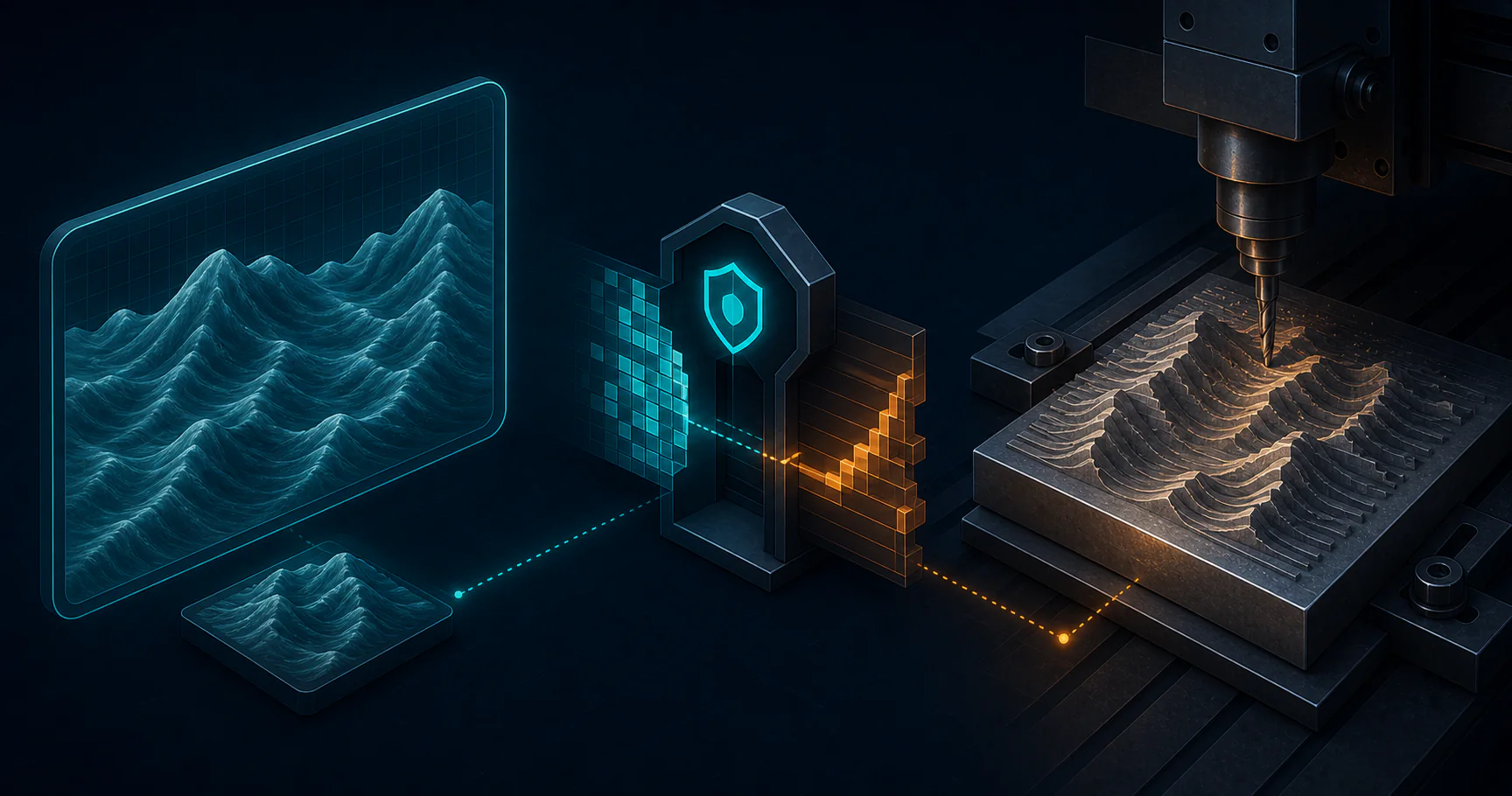
on this page
The first bad cut looked fine everywhere it mattered, until wood.
The render in ComfyUI was smooth. The STL preview was smooth. The CAM preview was smooth. The relief looked like a clean portrait with gentle shading and shallow transitions. Then I pulled the piece off the spoilboard and saw a staircase marching across the face. Not a subtle one. A real one. Terraces you could feel with a fingertip.
That is the kind of failure that wastes the most time. Nothing crashes. No one throws an exception. Every stage in the pipeline says “yes.” The only place that says “no” is the finished part, after the stock is gone.
The problem was not the model. It was the bit depth.
The Cut That Lied
The easiest mistake in an AI-to-CNC relief workflow is to trust the preview more than the file.
The preview lies politely. It compresses a lot of precision into something that looks smooth. An 8-bit image can look fine in a viewer, and a 16-bit image can look almost identical. The monitor does not tell you how many height steps exist. The router does not care about pretty.
When the pipeline converts the depth map into physical geometry, every discrete value becomes a real Z move. If the source depth map has only 256 levels, the machine can only carve 256 distinct heights across the full relief. That is where the staircase comes from. The preview looked continuous because the display rounded it. The router cut the rounding into wood.
The first time I saw it, I blamed the usual suspects. Maybe the stepover was too large. Maybe the mesh export was sloppy. Maybe the CAM settings were off. Those are all real variables, and they do matter. But the biggest failure was upstream and simpler than I wanted it to be: the depth map had been exported at 8-bit.
That is an expensive lesson when the stock is hardwood and the cut takes long enough to feel like a commitment.
Why The Preview Lies
An AI-generated relief workflow usually has a few stages:
- Generate an image or depth map.
- Convert that depth map into a height field or mesh.
- Turn the mesh into a toolpath.
- Cut the stock.
The trap is that each stage has its own preview, and each preview can look reassuring while hiding a different kind of loss.
The image viewer hides precision. The STL preview hides quantization. The CAM preview hides the fact that the machine can only cut what you encoded.
If you export a depth map at 8-bit, you have 256 levels of height data. If you export it at 16-bit, you have 65,536 levels. That sounds like a boring number until you map it to actual relief depth.
Suppose the final relief spans 7mm.
At 8-bit, the spacing between adjacent height levels is about 7 / 255 = 0.0275mm. At 16-bit, it is about 7 / 65535 = 0.000107mm.
Both numbers are small. Only one is small enough to disappear in the wood. On a router tracing a shallow cheek curve or a soft background gradient, 8-bit turns into tiny terraces that look intentional until you touch them.
That is why this bug survives first contact with the preview. The preview is not the manufacturing artifact. It is only a polite summary of one.
The Gate
The fix is not “be more careful.” The fix is to make 16-bit a gate, not a preference.
In this pipeline, the source of truth is the 16-bit depth map. The preview exists only for humans. The machine step reads only the 16-bit file. If that file is missing or not actually 16-bit, the run stops.
The layout that keeps this honest looks like this:
ComfyUI output
  -> render.png             human preview only
  -> depth_preview.png      visual check only
  -> depth_16bit.png        machine input
  -> composite_preview.png  visual review
       |
       v
  heightmap_to_stl.py reads depth_16bit.png only
       |
       v
  relief.stl
       |
       v
  CAM toolpath
       |
       v
  cut the stock
The key is that the human-facing file and the machine-facing file are different artifacts with different jobs. A preview can be pretty while being useless as an input. If the pipeline allows the wrong file to proceed, the router becomes the first honest reviewer. That is too late.
The validation step should therefore check two things before conversion:
depth_16bit.pngexists.- The file actually reports 16-bit depth.
If either check fails, the run should stop. Not warn. Stop.
The Math That Matters
This is not a theoretical purity rule. It is geometry.
When the source file has only 256 possible heights, each step in the relief becomes a tiny plateau. On portraits, skin, and other soft forms, those plateaus read like contour lines. Tighter stepover can smooth the tool marks between passes, but it cannot invent missing Z values.
That is why the export format matters more than the preview. The preview can tell you whether the image composition is good. It cannot tell you whether the relief has enough depth resolution to machine cleanly.
The Shop Rule
The practical rule I keep now is simple:
Never cut a new relief directly from a file you have not validated as 16-bit.
That sounds obvious until you are in the shop and the preview looks good and the stock is already mounted. My real shop rule became more specific:
- Preview files are for humans.
- 16-bit depth maps are for machines.
- If there is any ambiguity, prototype in MDF first.
That last point saves money. A small prototype in cheap material will tell you whether the relief is too shallow, whether the source image is banded, and whether the scaling needs adjustment.
What The Pipeline Enforces
The strongest part of the workflow is not the depth map itself. It is the discipline around it.
The pipeline should treat the wrong bit depth like a broken dependency. If a model export downgrades precision, the run should fail before STL. If the preview looks good but the 16-bit source is missing, the run should fail before CAM. Any workflow with human-readable and machine-readable artifacts needs the same hard boundary.
For this workflow, the boundary is 16-bit.
The Real Lesson
The lesson is not “16-bit is better.” The lesson is that the export format is part of fabrication, not a file detail.
If you generate a relief with 8-bit depth, you are not just lowering image quality. You are quantizing the geometry the router will cut. The monitor may forgive that. The wood will not.
That is why the right answer is to enforce the source format at the pipeline boundary and keep preview files out of the machine path. If the preview looks clean but the cut looks like stairs, trust the stairs. They are telling you the truth the viewer hid.
 The terracing problem traces to a single upstream number — bit depth — while every other part of the pipeline gets blamed first
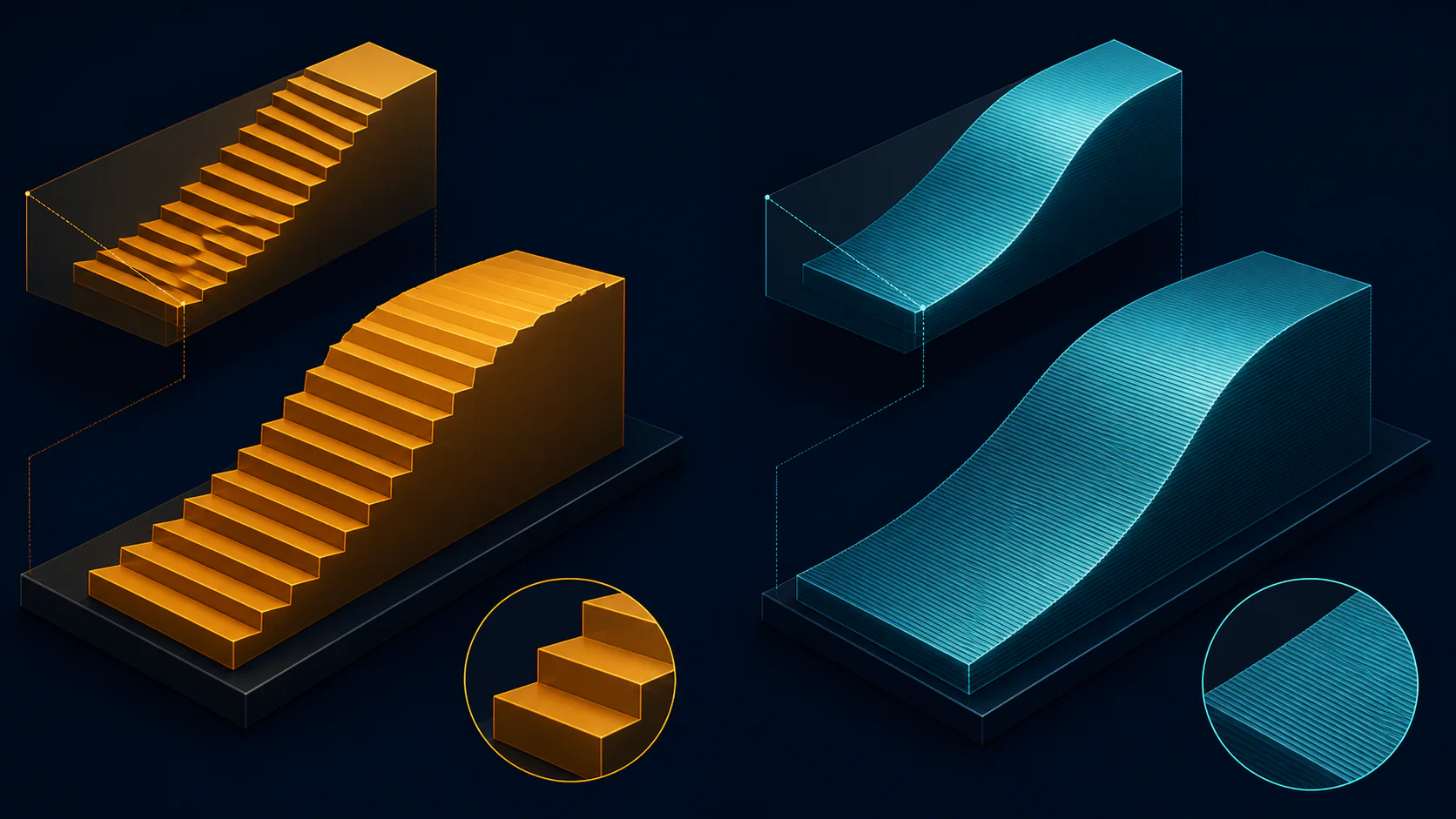 Bit depth sets how many distinct Z-heights are available; at 8-bit the steps become physically visible in wood; at 16-bit they vanish below the resolution of the cut
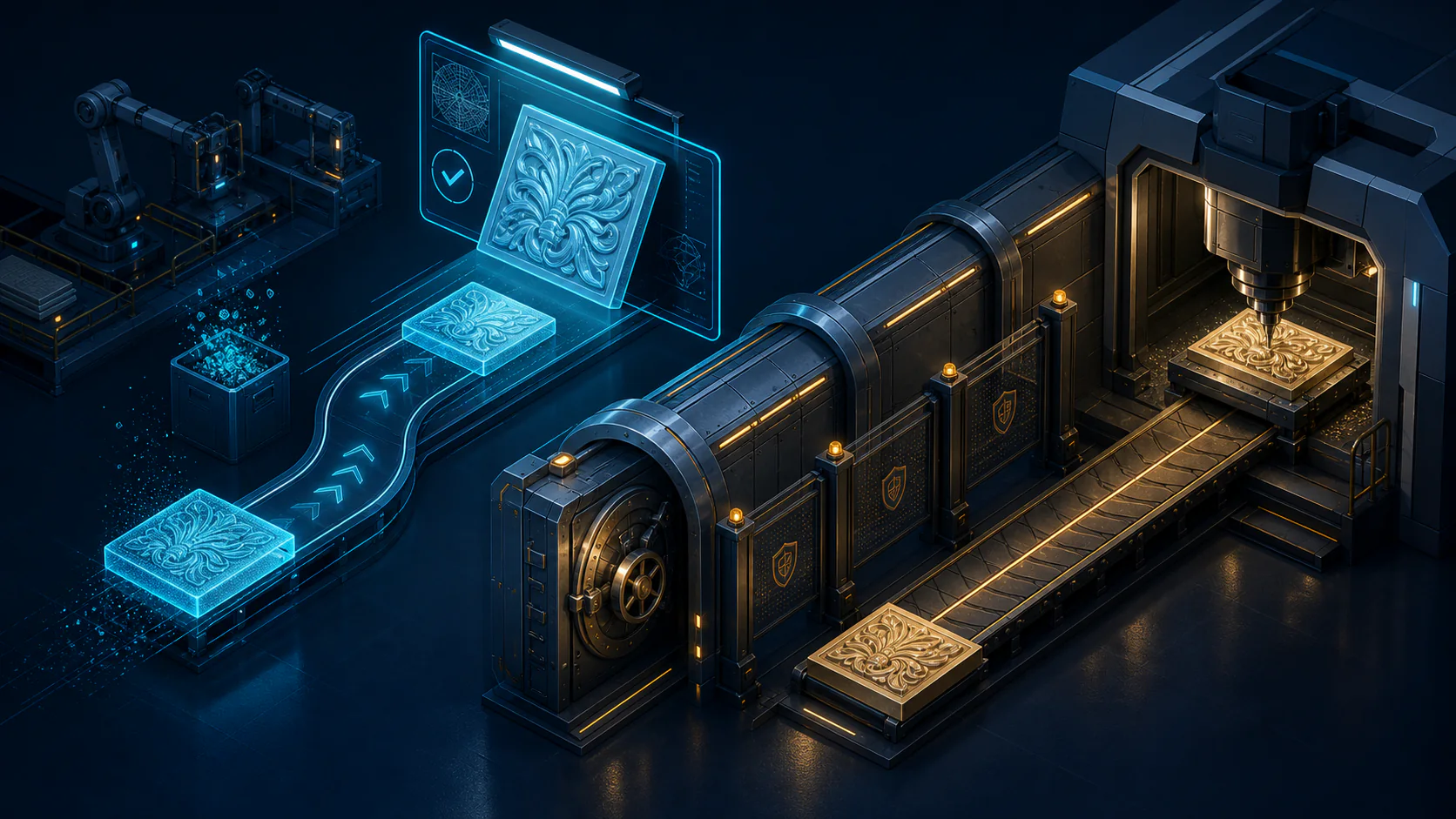 The pipeline makes the wrong path structurally unavailable — humans review the preview, the STL converter only touches the 16-bit file, and a validation gate stops everything if the wrong file is present
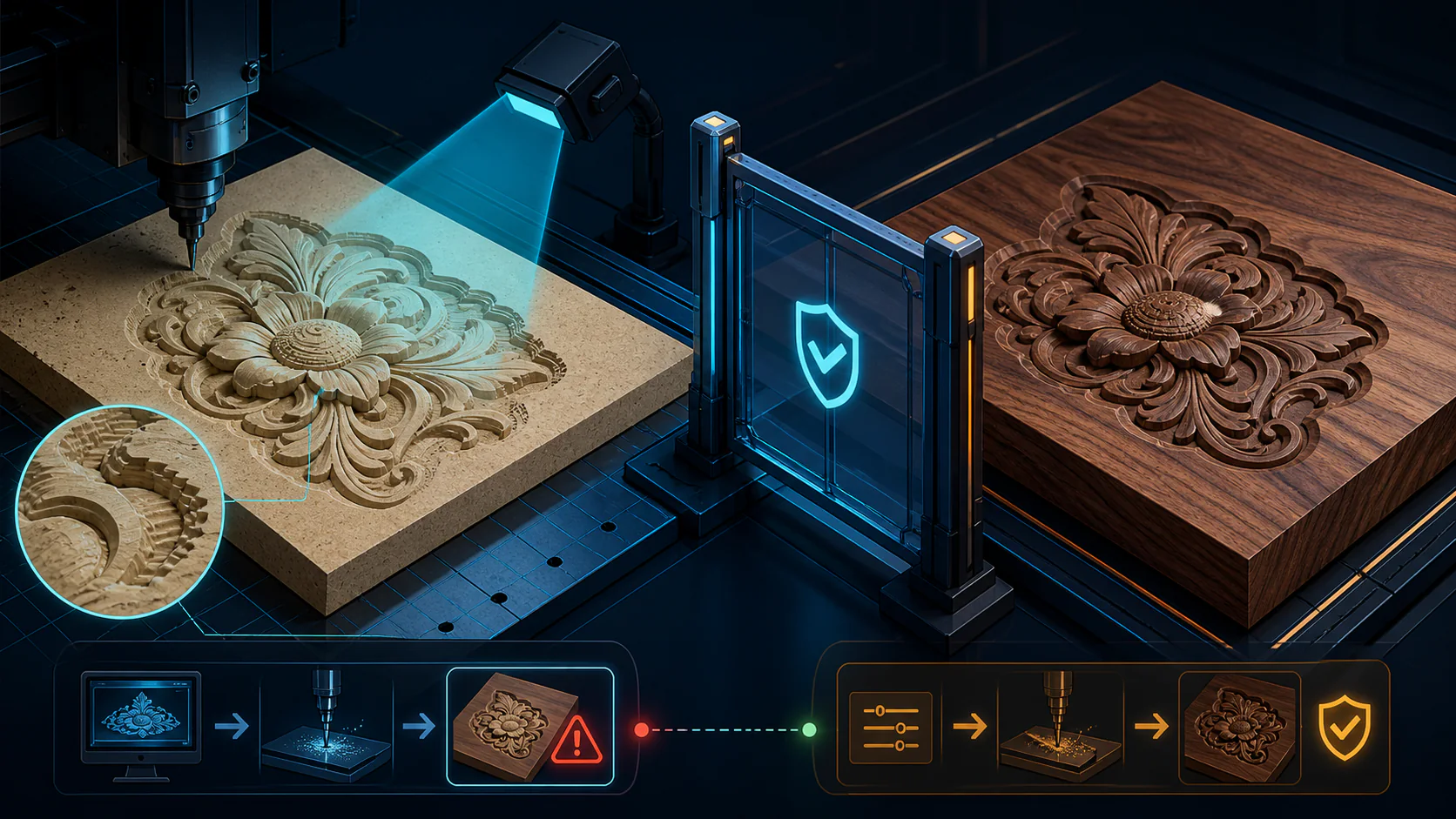 Cutting a $3 MDF prototype before touching expensive hardwood is not overhead — it is the only way to discover geometry problems before they cost $50 and machine hours