
You Secured Plex. Now It Buffers.
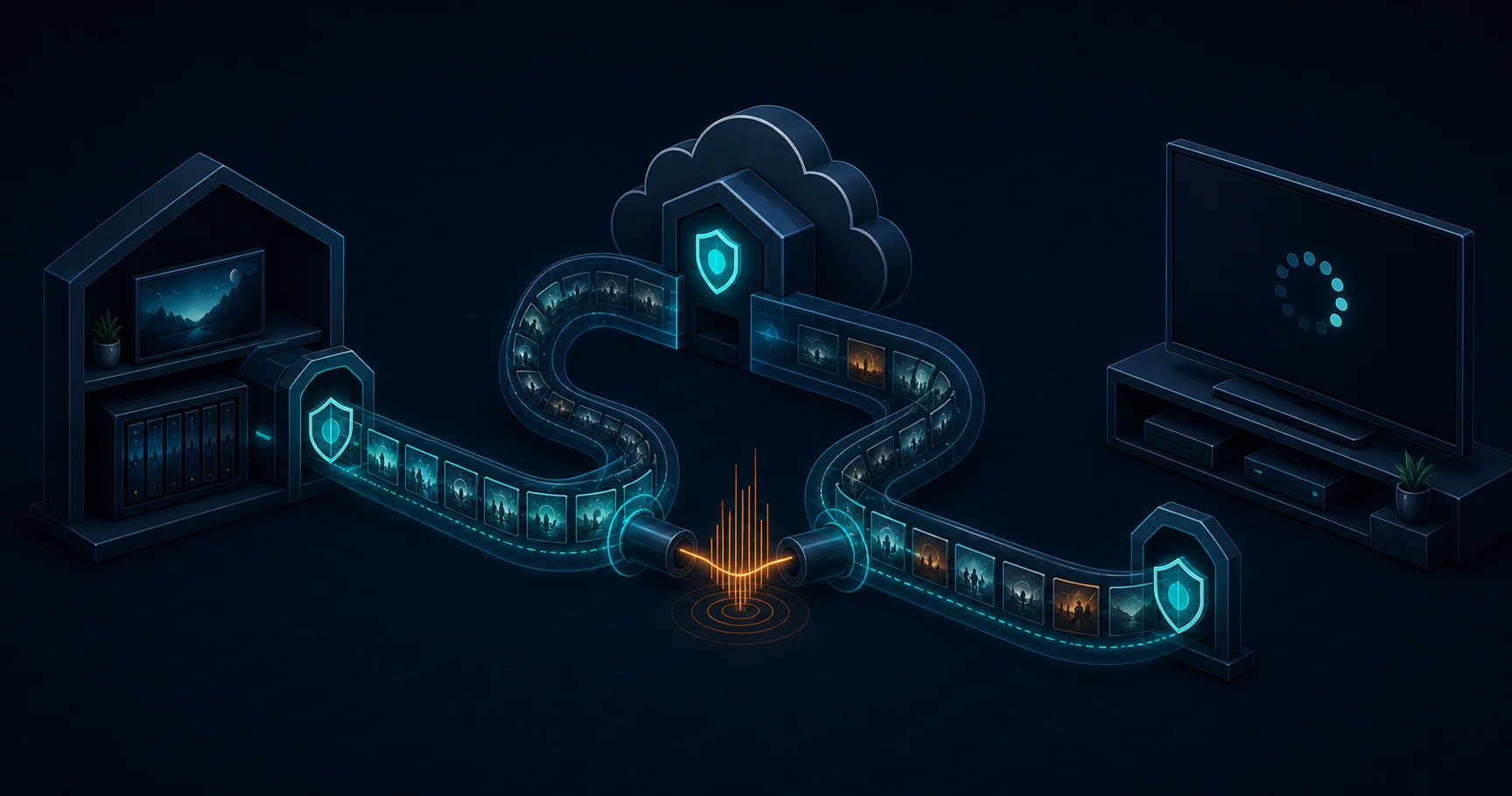
The old setup was ugly in a familiar way: port 32400 open, DDNS, and a reverse proxy that only existed because you knew where it lived. The new setup looked better on paper: no exposed ports, Cloudflare Tunnel, cleaner perimeter. The problem showed up at the couch.
on this page
The old setup was ugly in a familiar way: port 32400 open, DDNS, and a reverse proxy that only existed because you knew where it lived. The new setup looked better on paper: no exposed ports, Cloudflare Tunnel, cleaner perimeter. The problem showed up at the couch. Streams started slower, buffers appeared more often, and the thing that was supposed to feel safer started feeling broken.
That is the part most tunnel writeups skip. Cloudflare Tunnel is a good answer for a lot of things. Plex is not one of them.
I am not arguing that tunnels are bad. I am arguing that not every service is shaped like a browser tab. Some services are short, request/response, and forgiving. Others are continuous, bandwidth-heavy, or protocol-specific. Plex sits in the second group. When I moved it off the tunnel and onto direct WireGuard access, remote startup dropped by roughly 4 to 6 seconds and buffering went from about 3 to 5 hits per two-hour film to near zero. That was not a lab benchmark. It was the thing I could actually feel while watching.
What Changes In The Path
With the old setup, a client reached Plex directly through my public address and a proxy in front of it. With Cloudflare Tunnel, the path changes:
client -> Cloudflare edge -> cloudflared -> PlexThat extra hop matters less for a dashboard. A login page, a settings screen, or a tiny JSON API response can absorb a little added latency and nobody notices. It matters a lot more when the connection has to keep pushing video, chunk after chunk, for minutes at a time.
For Plex, the issue is not just latency. It is latency plus sustained throughput plus jitter. A stream is not one request. It is a long series of reads that need to arrive on time. If one segment stalls, playback pauses. If enough segments arrive late, users call it “buffering” and stop caring why.
You can see the difference with a simple test from a remote client:
curl -svo /dev/null -H "X-Plex-Token: YOUR_TOKEN" \
  -w "TTFB: %{time_starttransfer}s | Total: %{time_total}s\n" \
  "https://plex.example.com/library/metadata/123/stream"

curl -svo /dev/null -H "X-Plex-Token: YOUR_TOKEN" \
  -w "TTFB: %{time_starttransfer}s | Total: %{time_total}s\n" \
  "http://plex.lan:32400/library/metadata/123/stream"
That is not a perfect benchmark. It does not tell you everything about sustained playback. It does tell you whether your remote path is adding visible overhead before the stream even settles in.
Where The Tunnel Belongs
The real mistake is treating “secure” as a single category. Different services need different exposure models.
| Service type | Tunnel | Better path |
|---|---|---|
| Admin dashboards | Yes | Cloudflare Tunnel is a strong fit |
| Small HTTP APIs | Yes | Cloudflare Tunnel is usually fine |
| Plex or Jellyfin | No | WireGuard or direct LAN access |
| Game servers | No | VPN, direct port mapping, or a protocol-specific relay |
| Databases and binary protocols | No | Keep them off the public edge |
That table is the whole argument in compact form. If a service is browser-shaped, tunnel it. If it moves a lot of data continuously, or if it is not really HTTP at all, stop trying to squeeze it through the same opening you use for Grafana.
There is also a security mistake hidden in over-tunneling. A service that should stay internal does not become safer because you routed it through a third-party edge. It becomes dependent on another system that now sits in the middle of your traffic. For a control plane, that tradeoff can be worth it. For a media plane, it usually is not.
What Plex Actually Needs
Plex is not just “a web app with video.” It is a media delivery system that wants low friction, predictable bandwidth, and as few hops as possible. When I tunneled it, I was asking Cloudflare to play traffic cop for a stream that never stops. The tunnel did its job. The stream paid the price.
That is why the failure was so frustrating. Nothing was obviously down. The tunnel stayed healthy. The dashboard stayed green. The stream still looked reachable. The bad part was subtler: everything appeared fine until the video had to move at real speed.
The difference between “reachable” and “usable” matters here.
Plex being reachable through a tunnel is not the same as Plex being pleasant to use through a tunnel.
A Better Rule
The rule I use now is simple:
If the service is interactive, short-lived, and mostly HTTP, Cloudflare Tunnel is a good option.
If the service is continuous, high-throughput, or protocol-sensitive, do not tunnel it.
If you are unsure, ask two questions:
- Does this service spend most of its time waiting for short requests, or does it stream data for long stretches?
- If the path adds 20 to 40 ms, or occasionally 200 ms, will users notice?
For a dashboard, the answer is usually no. For Plex, the answer is yes immediately.
That is why WireGuard was the clean fix for me. Once I moved Plex onto VPN access, it behaved like a local service again. The tunnel stayed in place for the things it is actually good at: admin surfaces, small APIs, and the bits of infrastructure I want reachable without opening the whole house.
What I Would Do Again
If I were rebuilding the stack today, I would split it like this:
Cloudflare Tunnel for:
- Gitea
- Grafana
- Home Assistant
- small web tools and admin panels
WireGuard or LAN-only access for:
- Plex
- Jellyfin
- any high-bandwidth media service
- anything that looks more like a stream than a page
That keeps the perimeter narrow without forcing every service to share the same remote path. It also keeps the mental model honest. A tunnel is not “secure by default.” It is “appropriate for a specific class of traffic.” Those are not the same thing.
The Part That Matters
The real lesson is not “never use Cloudflare Tunnel.” It is “do not confuse exposure with fit.”
I like the tunnel for the services it was built for. I still use it. But Plex taught me the edge of the idea. Security improves when you expose less, yes. It also improves when you choose a path that matches the traffic instead of forcing everything through the same gate.
If you want the shortest version, it is this:
Cloudflare Tunnel is great for control planes. Plex is a media plane. Those are different problems, and they deserve different routes.
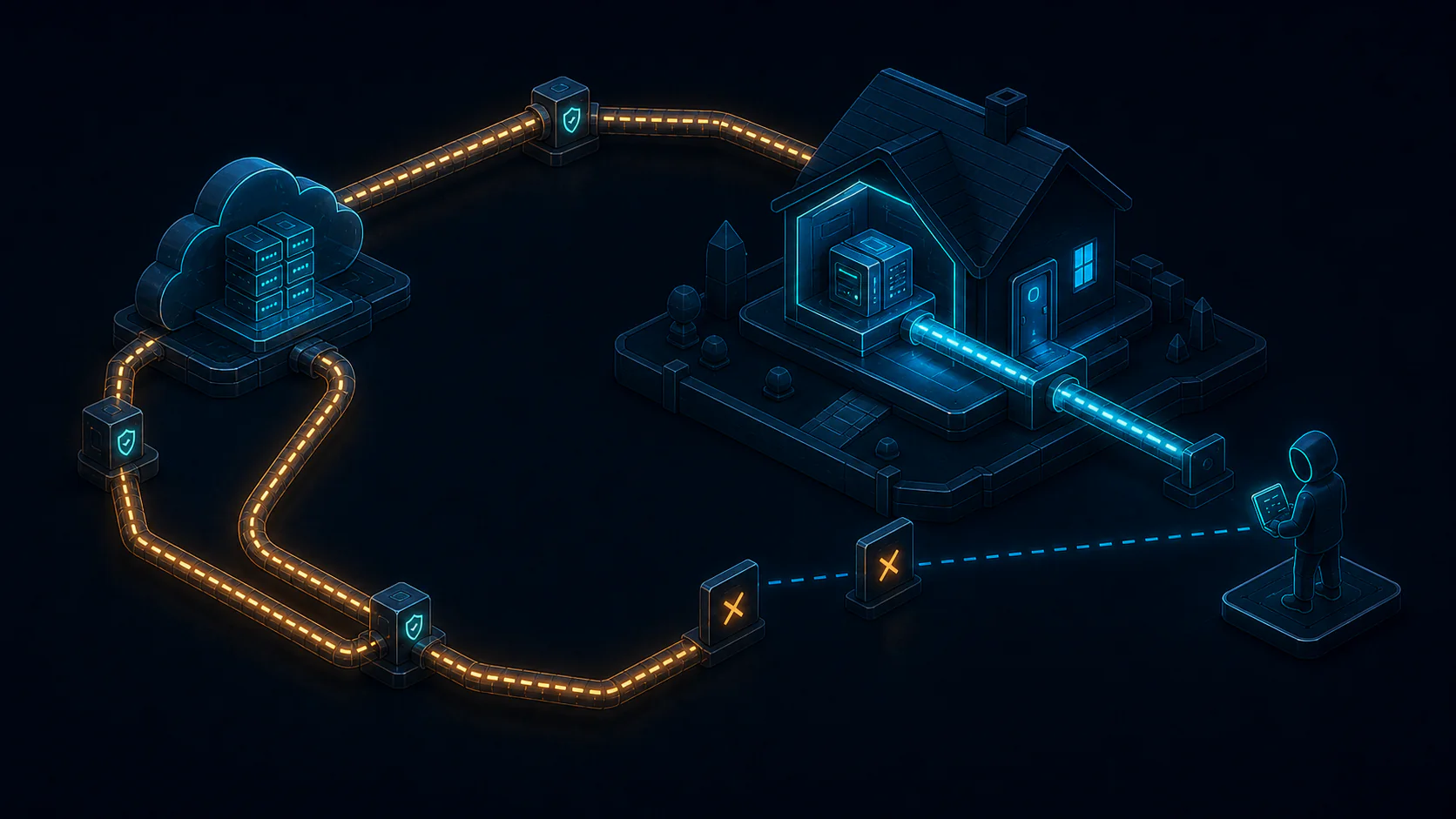 The old setup: port 32400 open, DDNS, a Caddy proxy. The new setup: zero exposed ports, Cloudflare Tunnel, clean. More s
 The old setup: port 32400 open, DDNS, a Caddy proxy. The new setup: zero exposed ports, Cloudflare Tunnel, clean. More s